I decided to do something with ImageMagick for my 5th day’s script. My original idea for day 5 proved to be too much for one night. A script to cut triangular corners into images. Pretty simple, but this may come in handy one day while designing something.
Posts Tagged: image manipulation
Image Color Dominator
Most anyone who’s used iTunes’ album view will know about their color picking mechanism. I was curious about how this might be done and found this question on Stack Overflow: How does the algorithm to color the song list in iTunes 11 work?
So I set about creating an equivalent in PHP. I settled on using the IMagick PHP extension for grabbing pixel data and doing blurs.
The Results
 Mizu (Water)
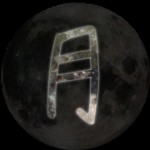 Tsuki (Moon)
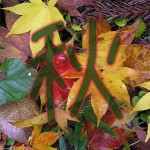 Aki (Fall)
 Chibi ^_^
The How
It’s largely based on the accepted answer given on the Stack Overflow question mentioned earlier. Except I separate potential highlights from the selected background based on a luminance ratio which produces more readable text, and there’s some additional logic for trying to pick contrasting highlight colors.
The Source
Source is available on BitBucket: https://bitbucket.org/epb9000/image-color-dominator/ Not much in the way of documentation, so hopefully the comments on the class aren’t horrifically confusing. I’ll re-read them later and maybe make changes.
ImageMagick: Rounded-corner PHP function
I’ve converted my rounded-corner bash script into a PHP function that’ll use the Image Magick command line tools to do the same. With some added functionality to handle automatically creating thumbnails and applying a background color to the source image itself. This also allows for the insertion of basic pre-processing and post-processing arguments to IM.
For more information and output examples see. the bash version.
To see an example of thumbnails generated with some pre-processing done:
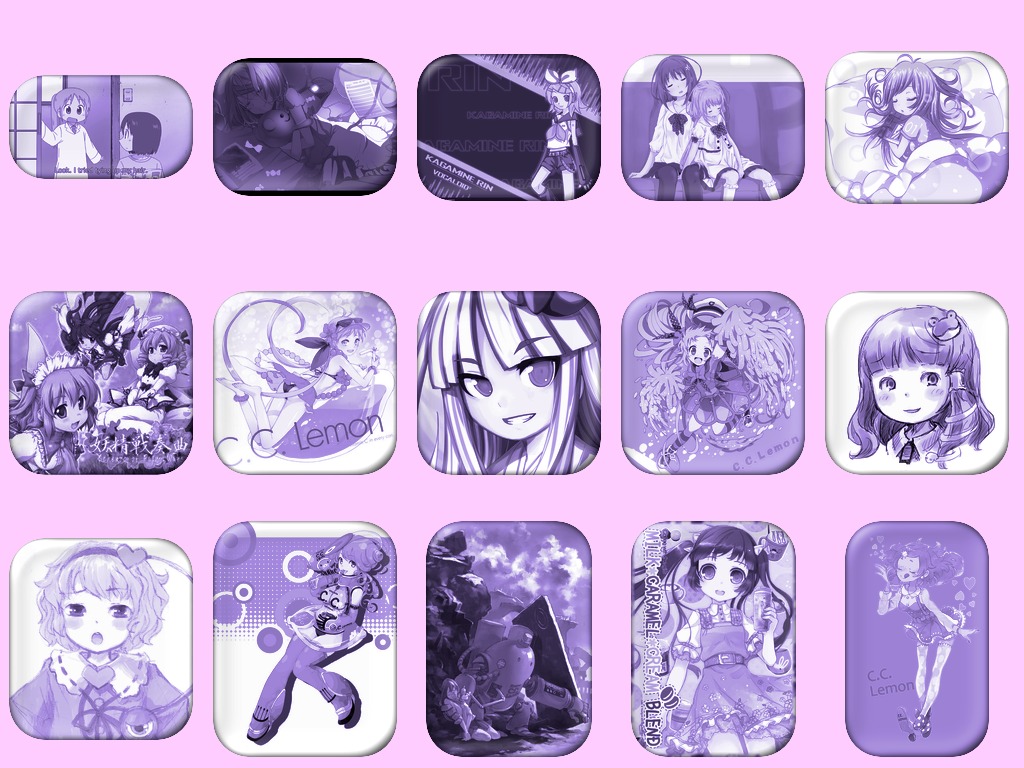
First Preprocessor Test
This is a sample done with thumbnail pre-processing. That is processing done before the rounded corners are made.
With this sample, I switched colorspace to HSL and then set the hue and saturation to a constant before applying the glass-bubble rounded corners.
Known bug: sometimes the glass-bubble method will add a single pixel to the width, which is transparent. I believe passing -trim in the postprocessing option may trim that off for you, though I have not thoroughly tested it.
Also: I have no idea if this will work on a Windows server.
Rounded Corner Script
Script Download: rounded_corner.sh (v2)
Ever wanted a script that would round the corners of images for you? Well, if you said yes, I wrote myself a bash script to do just that. As of this post it can do the following: round of corners of images and it can also add a glass-bubble effect as described in the ImageMagick tutorials. You can specify the border radius and a background color, which is handy if you are making JPEGs. The script’s help screen is shown below, as well as a couple of samples. Radius sizes are in pixels.
./rounded_corner.sh <inputfile> <outputfile> [options]
  -m   Method [plain or glass-bubble]
  -r   Corner Radius
  -b   Background Color
Method can be plain or glass-bubble at the moment. (default: plain)
Radius specifies the radius of the rounded corners. (default: 15)

Note: This should be able to function as filter command, so if you wanted
rounded thumbnails of a particular size you can:
convert <bigfile> -resize 200x200 png:- | ./rounded_corner.sh png:- smallrounded.png" 1>&2
-

- Plain Method, Solid Background
-

- Glass-Bubble Method, Solid Background
-

- Glass-Bubble Method, No Background
-

- Plain Method, No Background